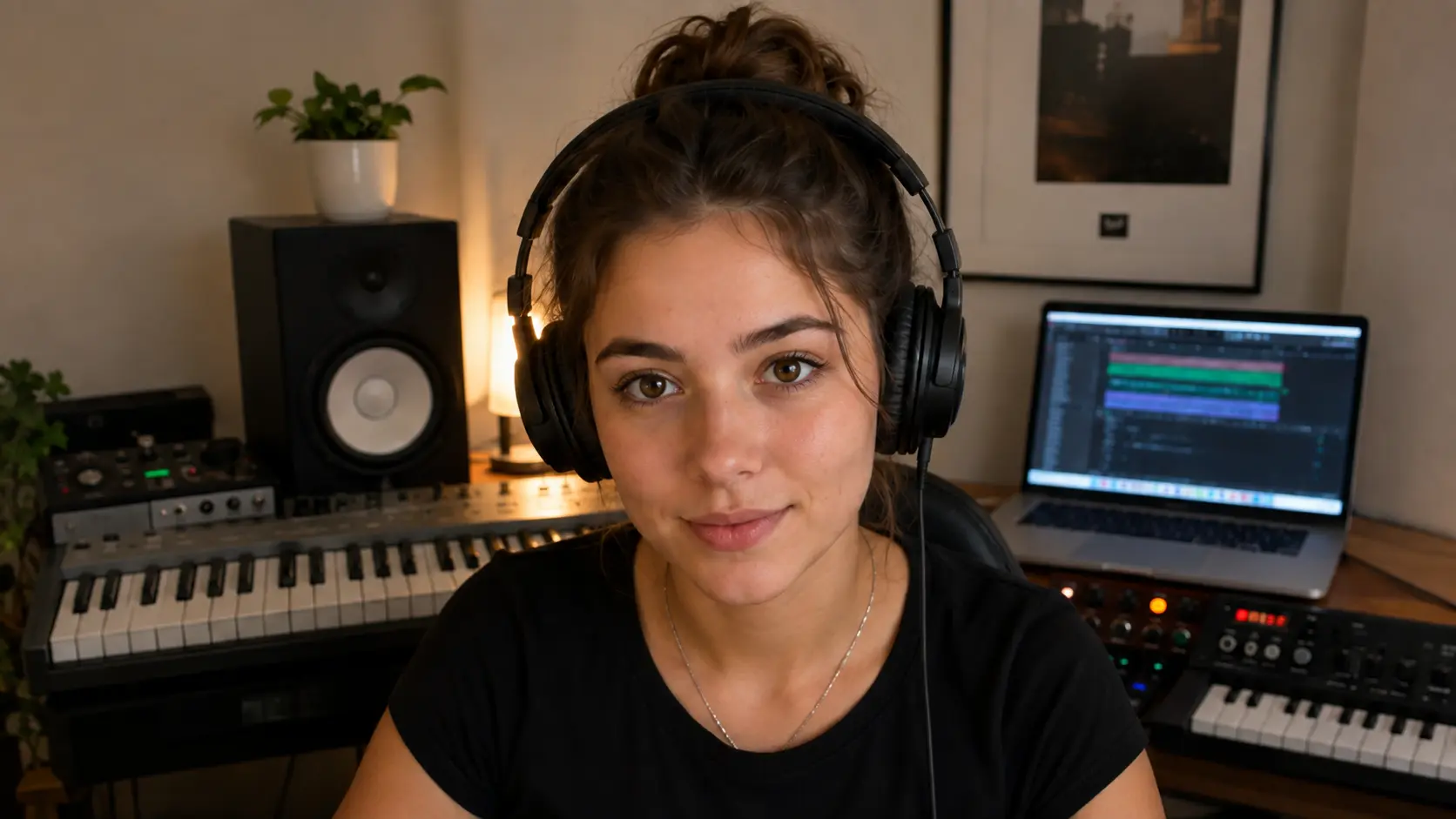
Student Mac screenView and control Logic. DAW audio is sent separately through Flux Listen.
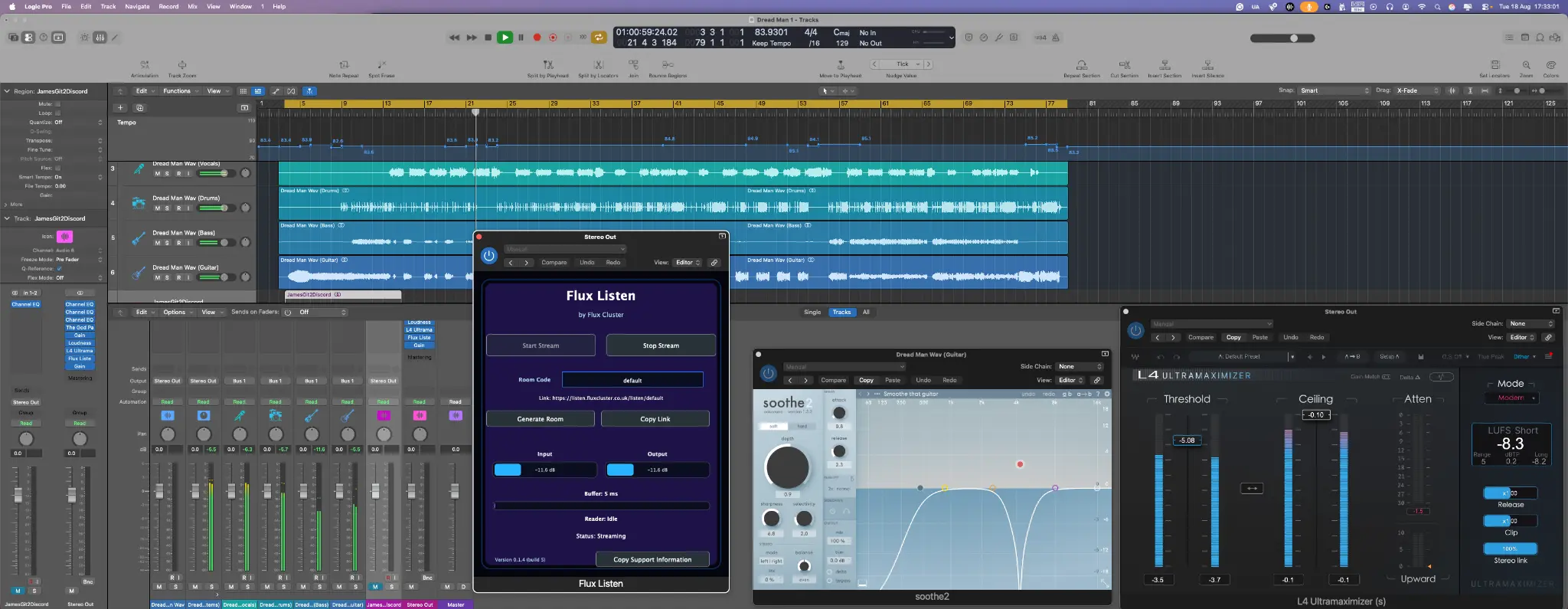
CollaborateShare a production in Flux Session and work together by consent.Illustrative product view · not a live session
ListenStream DAW audio through Flux Listen to a browser listening room.Reviewed product screenshots · not a live stream
TeachBring a teacher, student and music project into one lesson.Illustrative view with fictional people · not a live lesson
Flux Session
Review a production, guide a recording session or teach inside a real project. Cameras, conversation and shared screens bring everyone together, with remote control by consent for hands-on collaboration.


Session access is managed separately. Teacher downloads require an authorised Teacher account; Students join through the existing admission and Teacher relationship.
How Session access worksProduction audio, shared remotely
Stream DAW audio to a browser for mix feedback, client listening and pre-production or post-production review. Flux Listen carries the production audio; Flux Session handles conversation, shared screens and consent-based control.
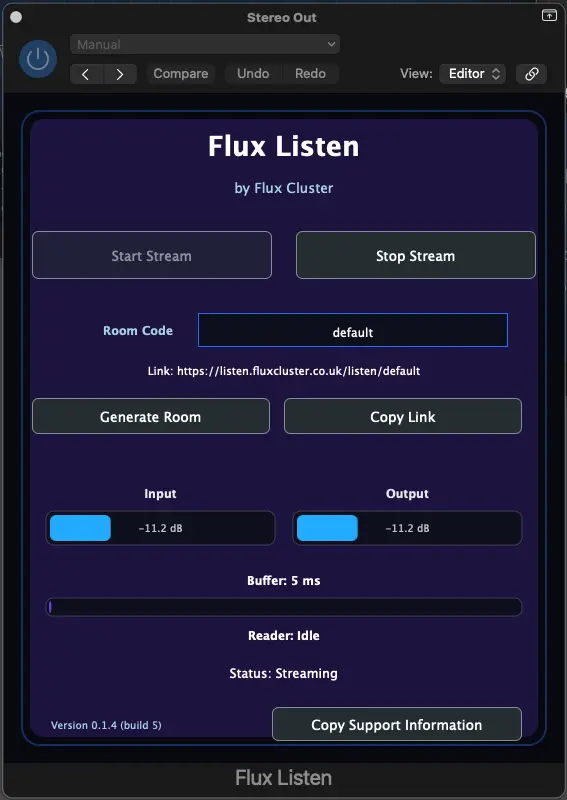
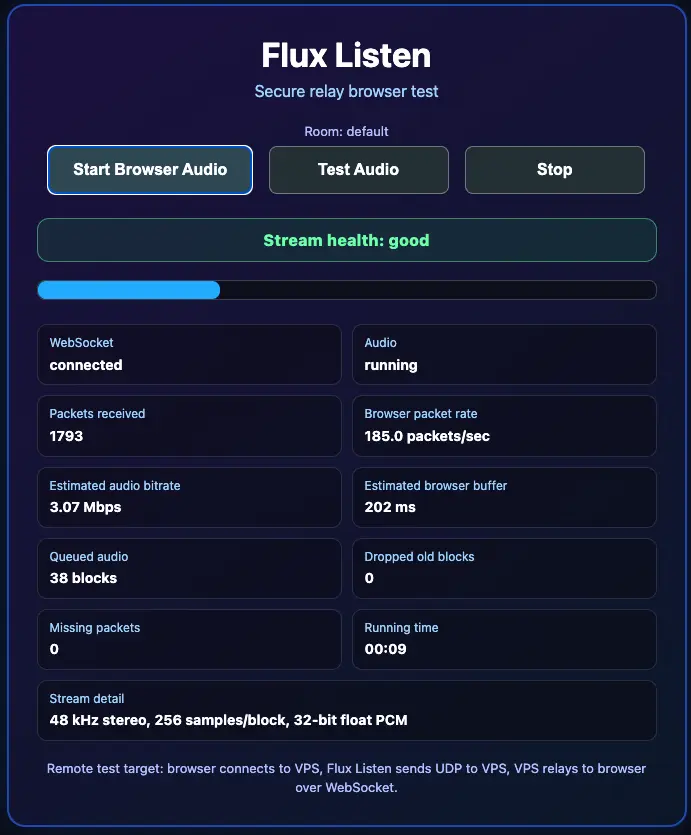
 Flux Listen
Send DAW output to clients, producers and mix engineers in a browser listening room. Use Flux Session separately when you also need conversation, a shared screen or consent-based control.
14 days · macOS · No card required
A dedicated Windows browser
A Flux-styled browser for Windows with its own home screen and familiar browsing tools, separate from the Flux Listen receiving page.
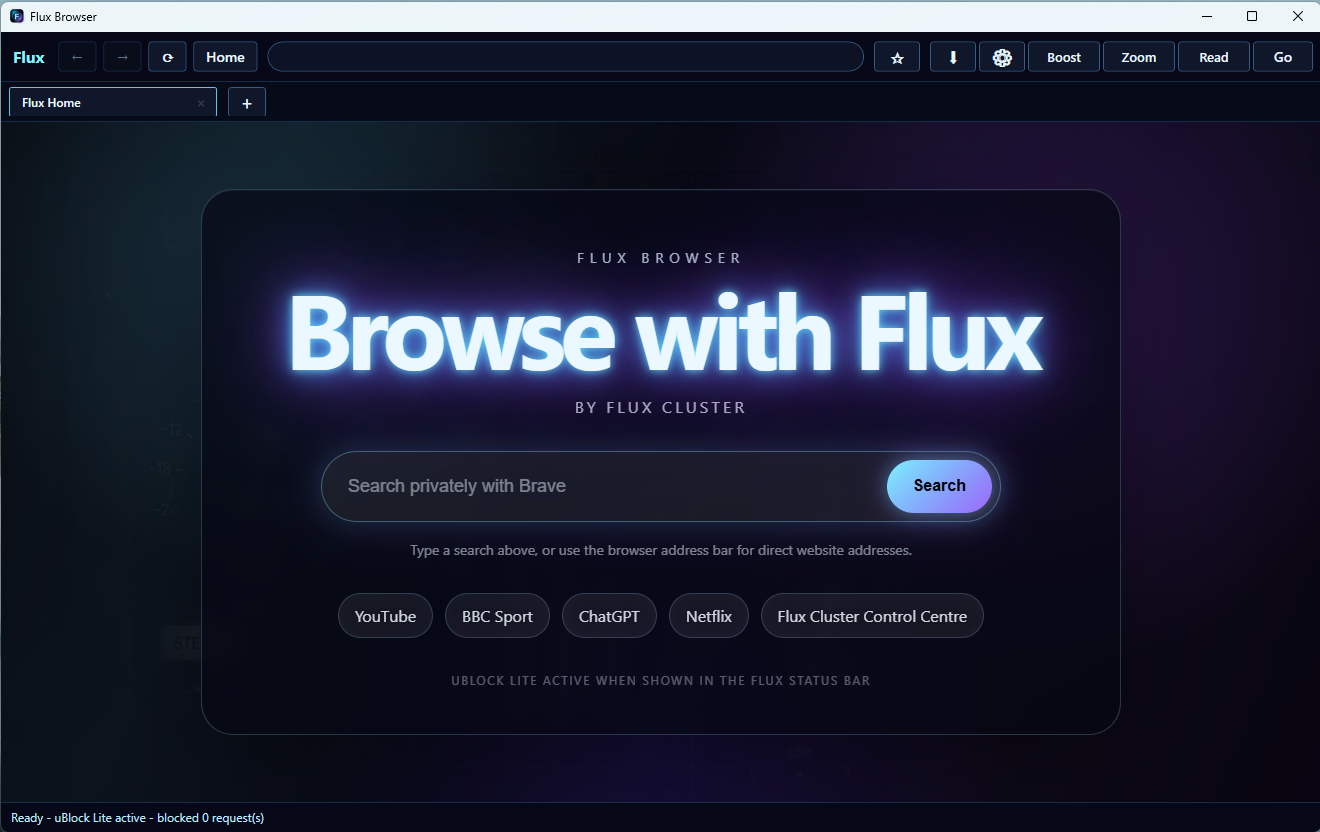
 Flux Browser
A dedicated Windows browser with a custom Flux Cluster start screen, ordinary tabbed browsing and persistent sessions.
Free · No account required
Deliberate sharing
Session’s Internet application uses HTTPS and secure WebSockets for signalling, with participant-bound room access and authenticated TURN relays for camera, speech and screen media. Remote control starts with a Student offer and Teacher acceptance; STOP CONTROL ends access.
Listen sends DAW audio to its relay over UDP, then to the browser over HTTPS and secure WebSockets. Browser encryption does not make the plug-in-to-relay UDP leg encrypted. Share listening links only with intended recipients.
Read our Privacy Notice for information about accounts, service logs and your rights.
Licensing and access
Flux Browser is free to download. Protected Flux Listen and Flux Session downloads are matched to the signed-in Flux Account and role.
Download Flux Browser without an account and use its Flux home screen, tabbed browsing and persistent sessions.
Create a verified Flux Account to begin one 14-day Flux Listen trial for macOS. No card is required and there is no automatic charge.
Teacher downloads require an authorised Teacher account. Student access follows the existing admission and Teacher relationship.
Pricing
Standalone production audio, or a teaching host subscription with Listen included. Prices are in GBP. No VAT is added.
Standalone production audio
Share the sound from your DAW through a private browser listening room.
£8.99 / month
Or £89.90 per year, billed annually in advance.
Save £17.98 a year, equivalent to two monthly payments.
Teaching host · Listen included
Cameras, conversation, screen sharing and consent-based remote control for private lessons.
£12.99 / month
Or £129.90 per year, billed annually in advance.
Save £25.98 a year, equivalent to two monthly payments.
Subscription prices are shown for information. Online purchasing is not available yet. Starting a free trial does not authorise future charges. Existing Founding Member, complimentary and separately agreed access rights remain unchanged.
Product availability
Current versions and availability are shown above and may change as products are updated.